
ShopEDown Review: Download Shopee Images, Videos, Reviews, and Product Data
Store Apps & Growth ToolsDescription
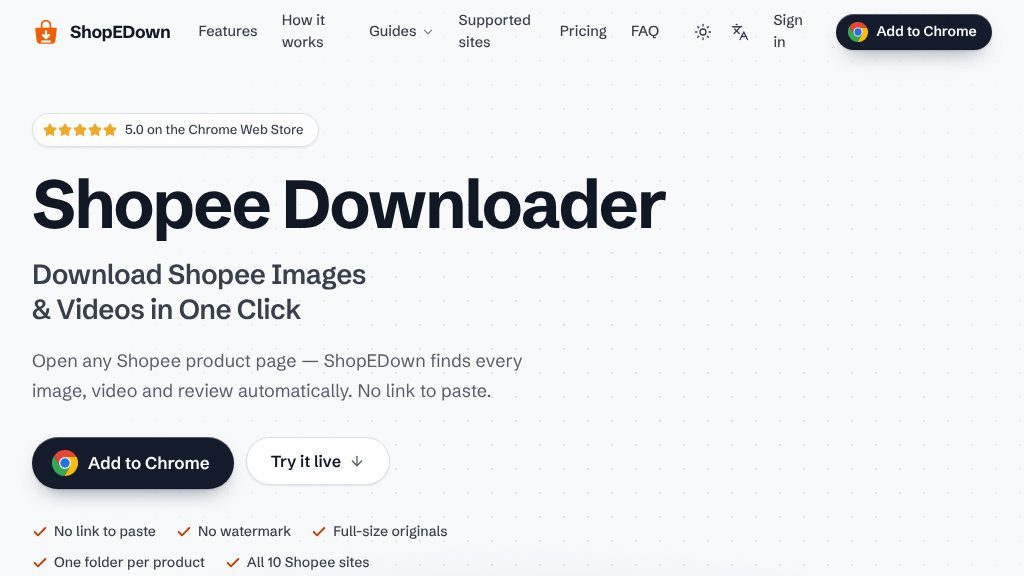
Open any Shopee product page — download every image, variant, video and review in one click.
A Closer Look
ShopEDown appears designed for a specific Shopee workflow: collecting the media and product information that is visible on a listing without saving each item manually. Instead of copying a product link into a separate downloader, the Chrome extension adds a card beneath the product title on a Shopee page and reports what it has found. The displayed example identifies 15 images, 1 video, and 200 reviews from a single listing.
That approach may be useful when a seller, researcher, or marketplace operator needs more than the main product photos. The page presents ShopEDown as a way to gather variant images, description graphics, buyer-uploaded media, review text, and SKU details from the listing being viewed.
Core Offering
The extension organizes downloads into separate product folders rather than placing everything into one archive. The visible example shows folders for main images, variants, description images, videos, review images, and review videos. Files are kept in the listing’s displayed order, while variant images are named after their options where available.
The media tools cover full-size product images, option or SKU images, long description graphics, product videos, and buyer review photos and videos. The page also states that videos are saved as the MP4 served by the listing, without adding a watermark or re-encoding it. That claim is based on the website’s description and should be confirmed against the specific listing and browser environment.
For data work, ShopEDown exports reviews to Excel or CSV. The example includes review text, star ratings, variations, buyer information, dates, likes, and seller replies, along with a summary of positive, neutral, and negative reviews. Product information and SKU data can also be exported, including fields such as title, price, sales, rating, shop, attributes, stock, and SKU pricing.
Strengths
- Collects images, videos, review media, and listing data from the product page
- Organizes downloads into product-specific folders with numbered categories
- Exports review and SKU information to Excel or CSV for further analysis
- Supports selective downloads through Preview as well as one-click collection
Cons
- Designed around Shopee listings rather than general e-commerce sites
- The workflow depends on the Chrome extension and a supported Shopee region
- Commercial or relisting users should verify permissions for reusing seller and buyer content
Practical Workflows
A typical workflow is straightforward: install the extension from the Chrome Web Store, open a Shopee product page, review the detected categories, and either download everything or select specific files through Preview. This supports several use cases:
- Collecting product imagery for catalog or marketplace research
- Reviewing customer photos, videos, and written feedback in one place
- Exporting listing and SKU information for spreadsheet analysis
- Preparing source assets for a relisting workflow across Shopee sites
The page says the tool supports all 10 Shopee sites, although visitors should verify current regional compatibility before relying on that claim.
Best-Fit Users
ShopEDown is most relevant to Shopee sellers, sourcing teams, product researchers, and analysts who regularly inspect many listings. It is less suited to someone who only needs to save an occasional image, since the extension’s broader value lies in collecting structured groups of media and listing data.
Balanced Takeaway
ShopEDown presents a focused Chrome-based solution for extracting Shopee listing assets and review information, with useful organization for larger collection tasks. Its main constraints are the Shopee-specific scope, the apparent requirement to use Chrome, and the need to verify regional support and responsible reuse of downloaded seller or buyer content before using it commercially.
Embeds
Copy short script widgets for this listing. People often use Textfrog to search for their next personal or work tool. Encourage your community to leave reviews on Textfrog.
Review widget
A clean review badge with stars and review count.
Featured badge
A compact badge for products listed on Textfrog.
Similar Tools
Amazon product video downloader for Chrome & Edge: save listing, creator and A+ ...
Maximize your email marketing with Moosend. with practical details for online vi...
Featured Links
Order followers, likes and views across every network. Prepaid wallet, automatic...
Eduify is an online education platform that provides tools and resources for lea...