ExcelCraft
ExcelCraft Online Excel Editor: Edit XLSX Files Locally in Your Browser

Novastart is an infinite canvas operating system where your apps, teammates and AI agents work together on one shared canvas.
Added November 11, 2026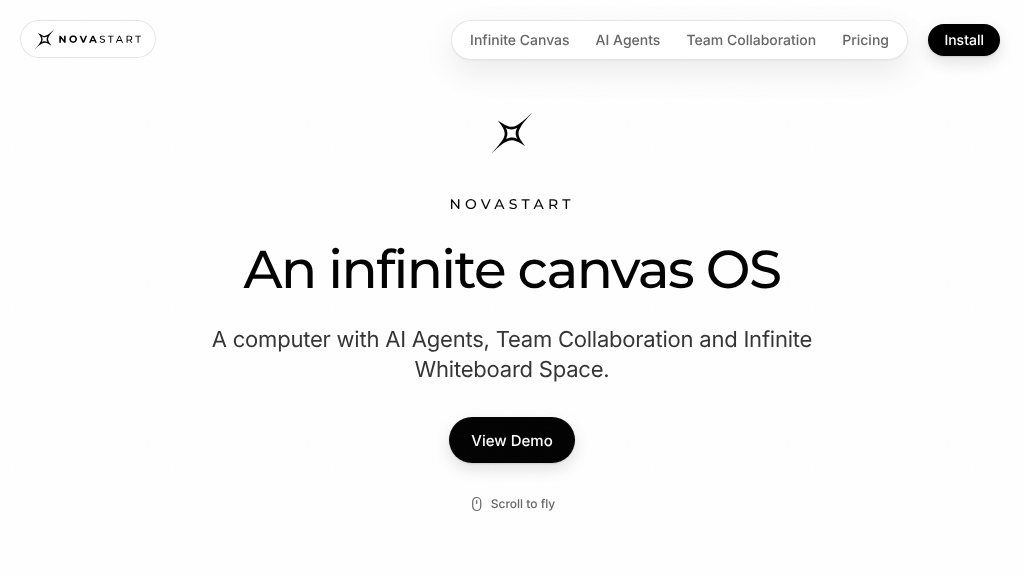
A typical Novastart use case begins with a crowded desktop: several apps open, information split across windows, and a project that needs both focused work and a broader view. Novastart presents a different organizing model—an infinite canvas operating system where desktop apps, collaborators, and AI agents occupy the same visual workspace.
The website’s central concept is straightforward to understand. Instead of treating the desktop as a fixed collection of windows, Novastart lets users arrange apps and work areas across an expandable canvas. The page describes separate canvases for work, school, projects, travel, finances, research, and other activities. It also presents the product as a shared computer rather than a conventional screen-sharing session.
The canvas supports zooming, panning, and visual organization. This could make it easier to switch between detailed work—such as editing a spreadsheet—and higher-level planning across several workspaces. Saved canvases are designed to preserve the apps, positions, and tabs for a later session, although visitors should confirm exactly how this persistence works in the installed product.
The AI agent workflow is a notable part of the offering. The page describes working alongside up to 10 agents, each with its own mouse and keyboard. Users can apparently observe progress, pause the agents, type corrections during a task, and take control of a window. A lead agent can also coordinate helper agents and collect their output. These details suggest a hands-on automation model rather than a simple chat assistant, but the site does not provide technical information about supported applications, agent limitations, or data handling.
Team collaboration is handled directly on the canvas. Teammates can use their own cursors and keyboards, see changes as they happen, access apps running on another person’s machine, and communicate through the operating system. This may be useful for collaborative work that normally depends on screen sharing, though prospective teams should investigate access controls, performance requirements, and privacy practices before relying on it.
Novastart could suit projects that combine research, planning, documents, spreadsheets, and discussion. Examples shown on the site include household budgeting, wedding planning, vacation planning, apartment searches, and general workspaces. The visual layout may also appeal to people who prefer organizing projects spatially instead of switching repeatedly between application windows.
Individuals managing multi-step projects, distributed teams, and users interested in supervising AI-assisted computer work are the clearest potential audiences. It may be less suitable for someone seeking a conventional desktop utility or a lightweight collaboration tool.
Novastart is worth investigating if an infinite workspace, shared app control, and interactive AI agents match the way you work. Before installing, verify platform compatibility, pricing, supported apps, collaboration limits, and security details, since those points are not established by the available page evidence.
Copy short script widgets for this listing. People often use Textfrog to search for their next personal or work tool. Encourage your community to leave reviews on Textfrog.
A clean review badge with stars and review count.
A compact badge for products listed on Textfrog.
ExcelCraft Online Excel Editor: Edit XLSX Files Locally in Your Browser
Xargaar Tools Statement Converter: Browser-Based Bank File Conversion
Save Gmail Emails as PDF in Bulk for Chrome and Edge
Wire Fill Chart & Conduit Fill Calculator for NEC 2023